1
Cabinet Designer (3D)
Parametric carcasses, bays, shelves, doors, drawers, backs, edge-banding and handle styles with real-time 3D orbit, pan and zoom.
Built for cabinetmakers, interior designers, carpenters and serious DIY woodworkers. Model parametric cabinets and custom furniture part by part in real-time 3D without CAD complexity, then export instant cut lists, 4×8 sheet nesting maps and PDF blueprints.



Engineered from real carpentry and joinery production workflows.
Parametric carcasses, bays, shelves, doors, drawers, backs, edge-banding and handle styles with real-time 3D orbit, pan and zoom.
Free-form part-by-part furniture planner with drag-and-snap alignment, dimension warnings, undo/redo and PDF drawing backgrounds.
Every panel sized automatically with thickness, width, length, quantity, board feet, estimated sheet count and total area.
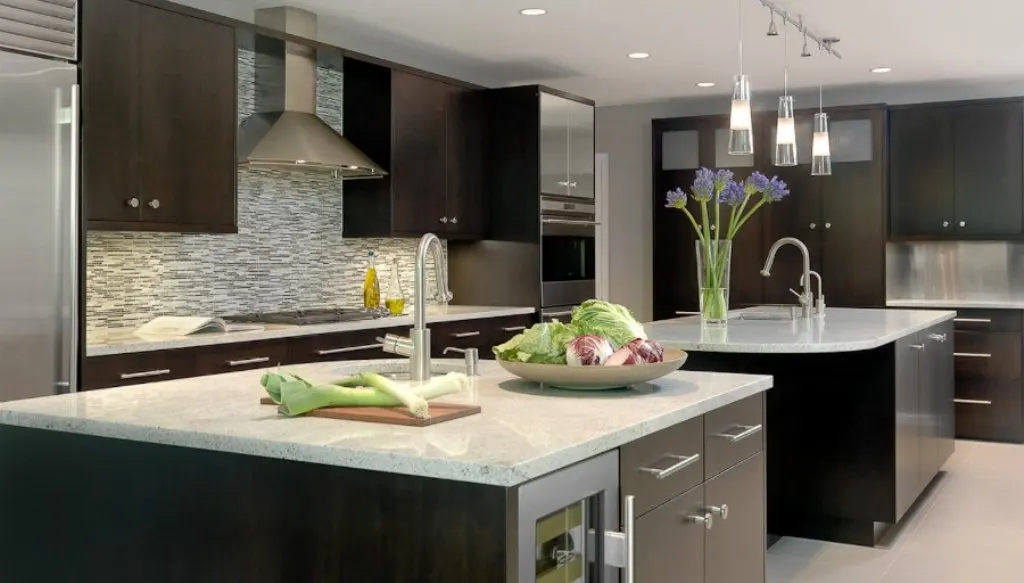
Compose full L-shape, U-shape and island kitchen layouts, snap units to walls, generate combined whole-kitchen cut lists and share client viewers.
Save and reopen projects offline anytime, and export cut lists & fabrication drawings directly to PDF, PNG, SVG and CSV.
Runs instantly in Chrome/Edge via Web App, natively on Android phones/tablets, and on Windows desktops offline.
Tap any screenshot to view it full-size.
Model parametric cabinets, shelves, doors and drawers in live 3D.
Automatically calculate panel sizes, sheet count and cutting diagrams.
Assemble full L/U/island kitchen layouts and export shop-ready PDF plans.
Full-screen desktop interface for Windows 10 & Windows 11 workshops.
Inspect multi-panel cut lists and 4×8 sheet nesting layouts side by side.
Lay out base and wall cabinets along room walls before exporting client blueprints.
Choose the Web App in any browser or install natively from official app stores.
Cabinet Designer (3D), FurniLab Furniture Designer, instant cut lists, 4×8 sheet nesting, PDF/CSV/SVG export — works offline.
Unlocks full PRO Kitchen Assembly module, front-elevation wall schematics, client-shareable read-only viewer & ad-free experience.
Everything users commonly ask before starting.
No. KabinPro uses intuitive parametric controls—choose cabinet dimensions, bays, shelves, shutters and drawers and the 3D model and cut list update automatically.
Yes. Both the Android Google Play app and Windows Microsoft Store app work completely offline on the shop floor, and the Web App runs directly in your browser without signup.
You can export detailed cut lists and sheet layouts as PDF blueprints, CSV spreadsheets, SVG vector files, and high-resolution PNG drawings.
Message us on WhatsApp for licensing, factory onboarding or feature requests.
